Coral life watch

Overview
Learning how a reef lives, and how it dies, by playing.
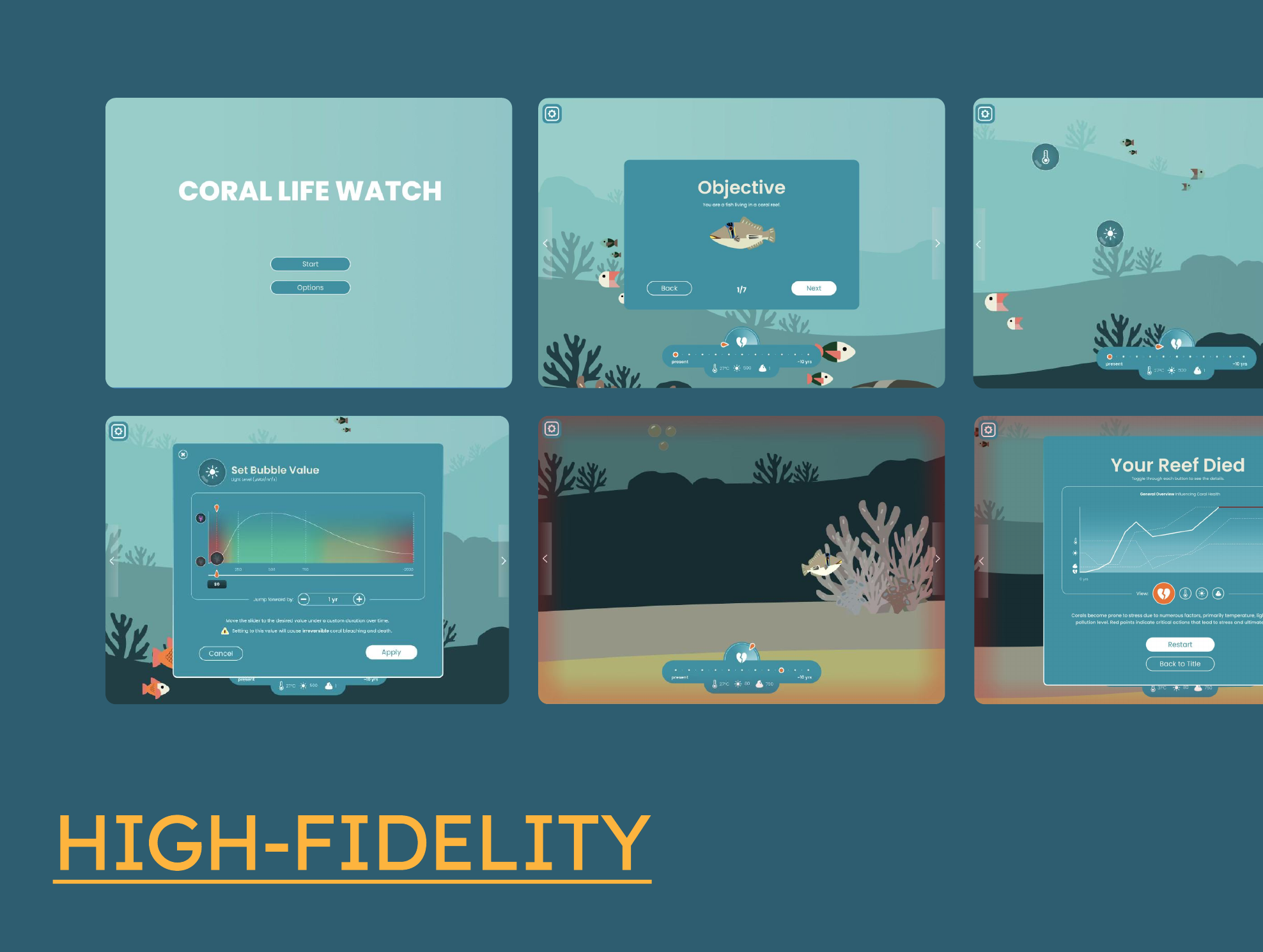
Coral Life Watch is a web-based educational simulator where users change conditions in a coral reef and instantly see how the reef responds, including coral bleaching. My team and I designed it for stakeholders and a team of computer science students. I designed the interface and illustrated the fish, corals, and other marine life.
Tools - Figma · Adobe Illustrator · FigJam
Contribution | Category | Team | Timeline |
UX research Illustration Wireframing Mockups Prototyping | Web game Simulator | 4 designers (me) | 4 months |
Scope
Four months, one reef, a lot to learn.
The project ran from January to April. We built a game-style reef experience focused on coral bleaching and its effects on surrounding marine life. Users make choices that affect the reef, learn about coral life stages, and see how bleaching begins and progresses. Our focus was research, user journey, interface design, and illustration.
Problem & Stakes
Making a complex ecosystem simple without making it wrong.
Coral reefs are essential to the ocean and to global ecosystems, yet their population is declining. We needed to help people, especially younger audiences, understand why, without overwhelming them or blaming them.
With only four months, we had to keep our research focused on the essential information needed for the final deliverables.
We worked with marine biologists in different time zones, along with computer science students. This made communication and project management more difficult.
Real coral bleaching is complex. We had to simplify it enough for young audiences while keeping the information accurate.
The simulator had to teach people about coral reefs while also keeping them engaged. Information alone may not hold the attention of younger audiences, so every screen had to be both informative and interactive, without feeling like a lecture.
If the simulator was confusing or inaccurate, it could mislead people instead of inspiring them to protect the oceans.
Strategy & Decision
From how reefs live to a world you can play in.
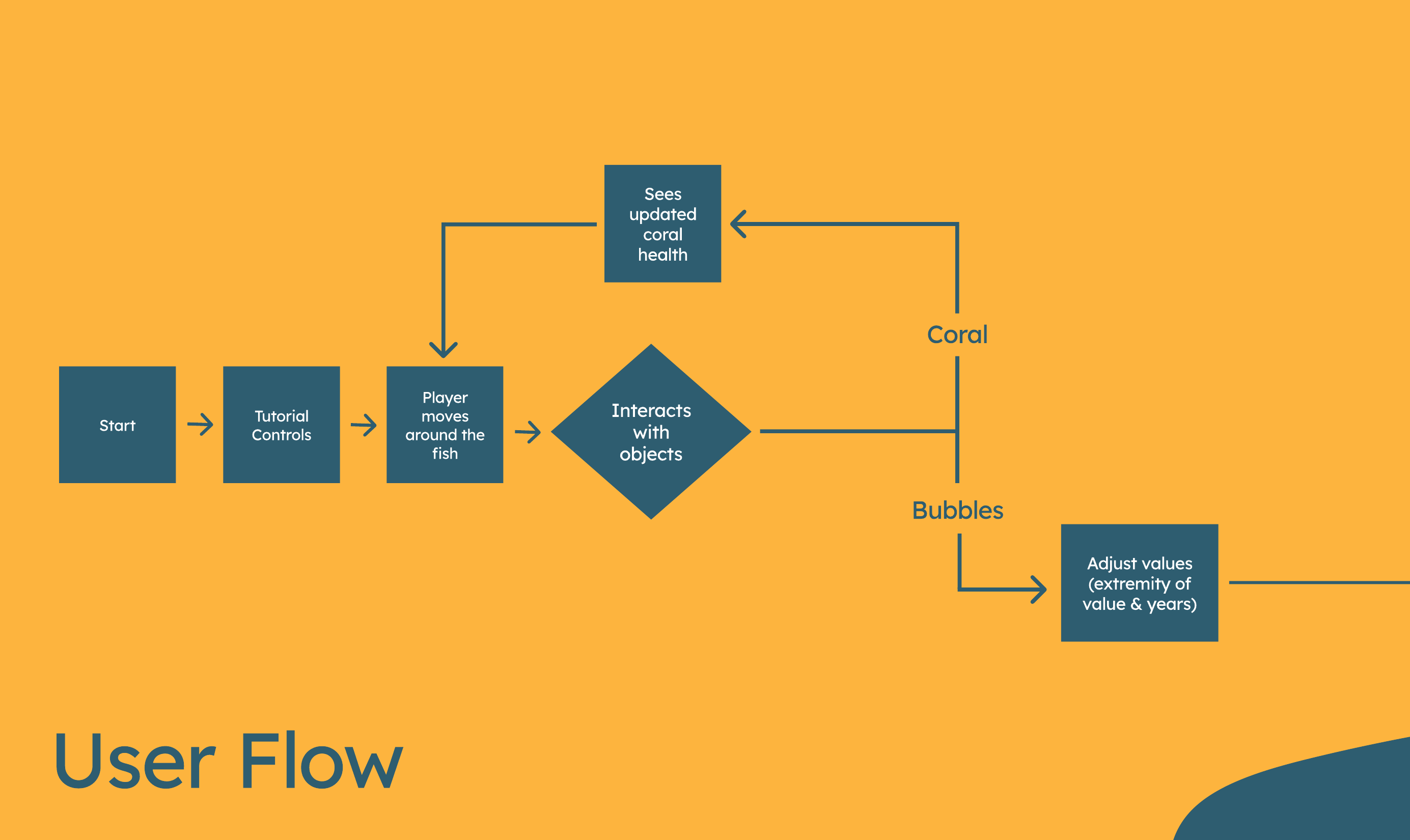
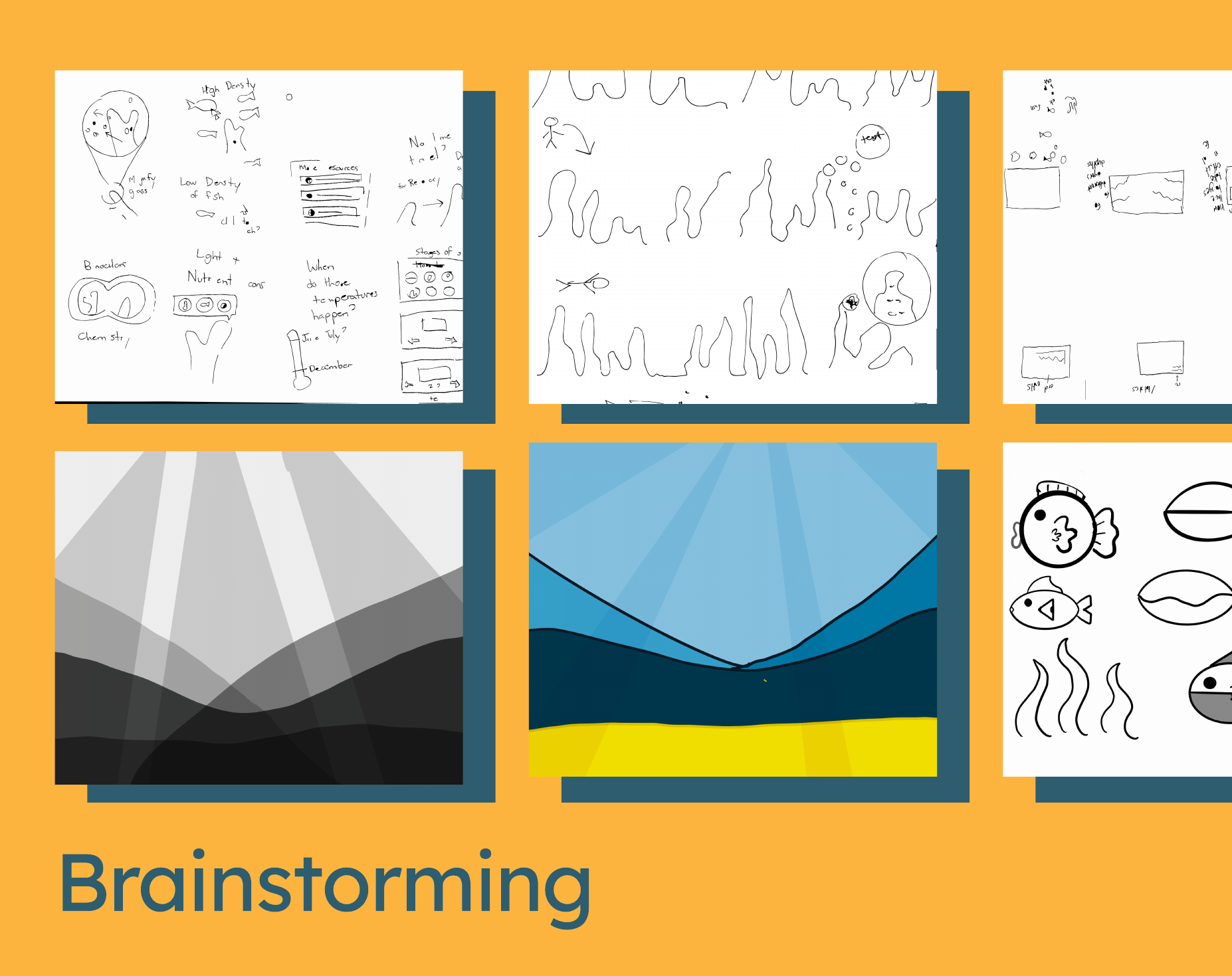
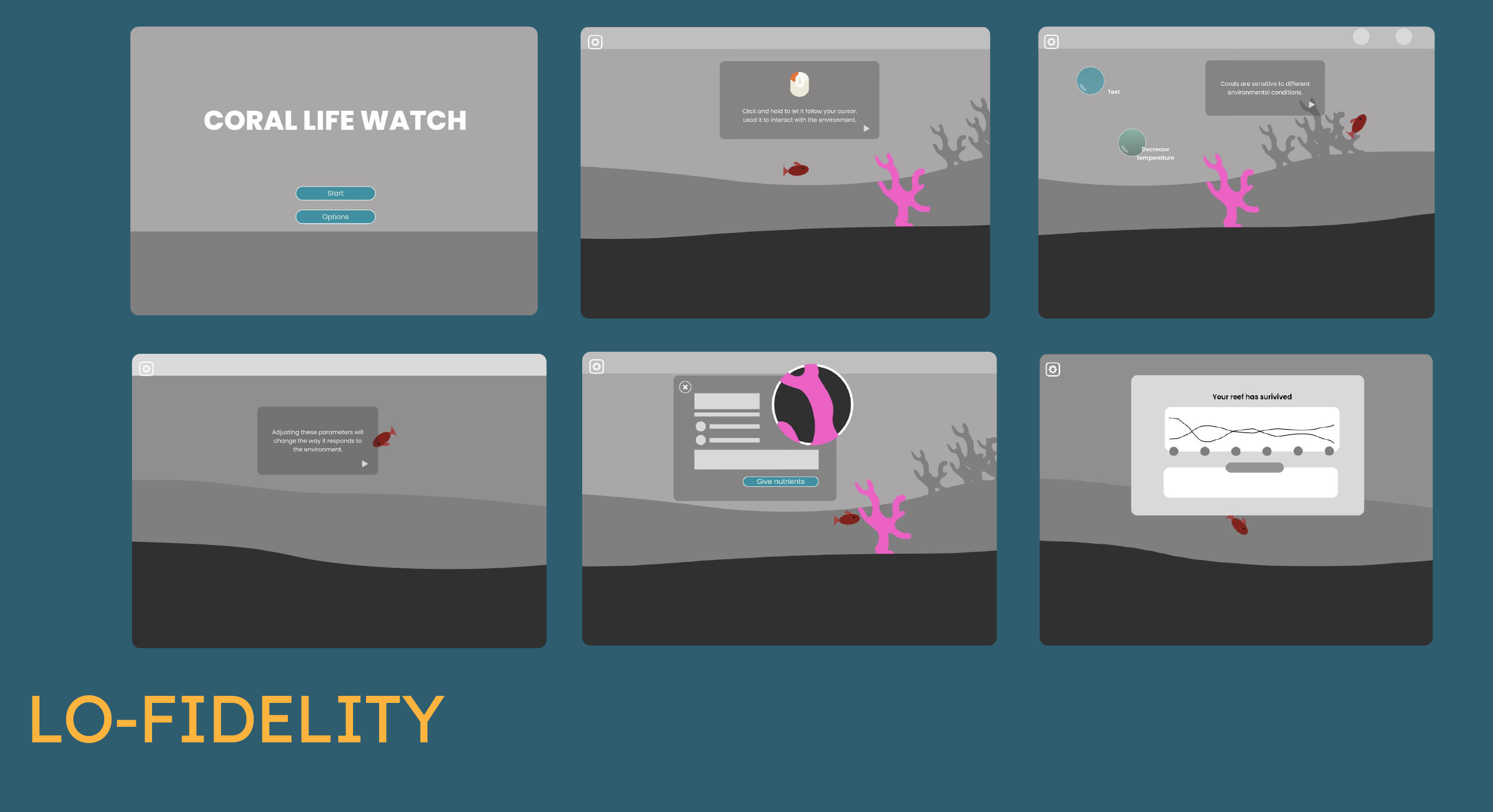
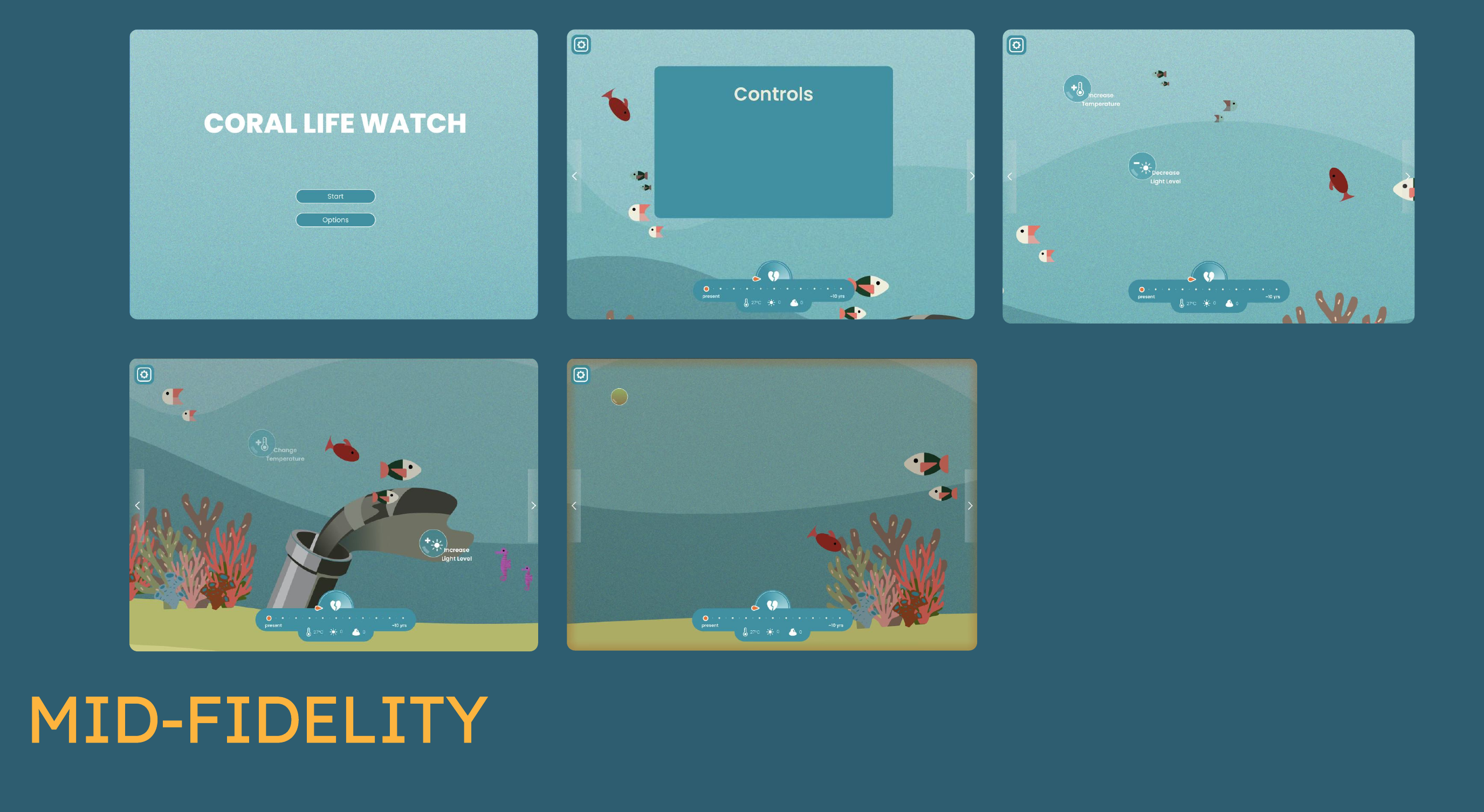
My team and I started by learning about coral reefs themselves: how they live, how corals grow through different life stages, and what is causing their decline. This research led to four guiding priorities: clear language, visuals that match the audience, accurate information checked with our stakeholders, and an educational tone that doesn’t blame users. We then studied similar educational reef experiences, sketched ideas on whiteboards and paper, and mapped how a player would move through the simulation. I designed the interface and illustrated the marine life, building up from simple grey layouts to the final polished screens. Throughout, I stayed in close contact with the developers so the designs could actually be built, and with the stakeholders so the language and science stayed accurate.
Design Process
Old
Methods
Subject research on coral reefs and bleaching, Stakeholder meetings, Competitor analysis
Key research insights (clarity, engagement, resources, education), Constraint mapping
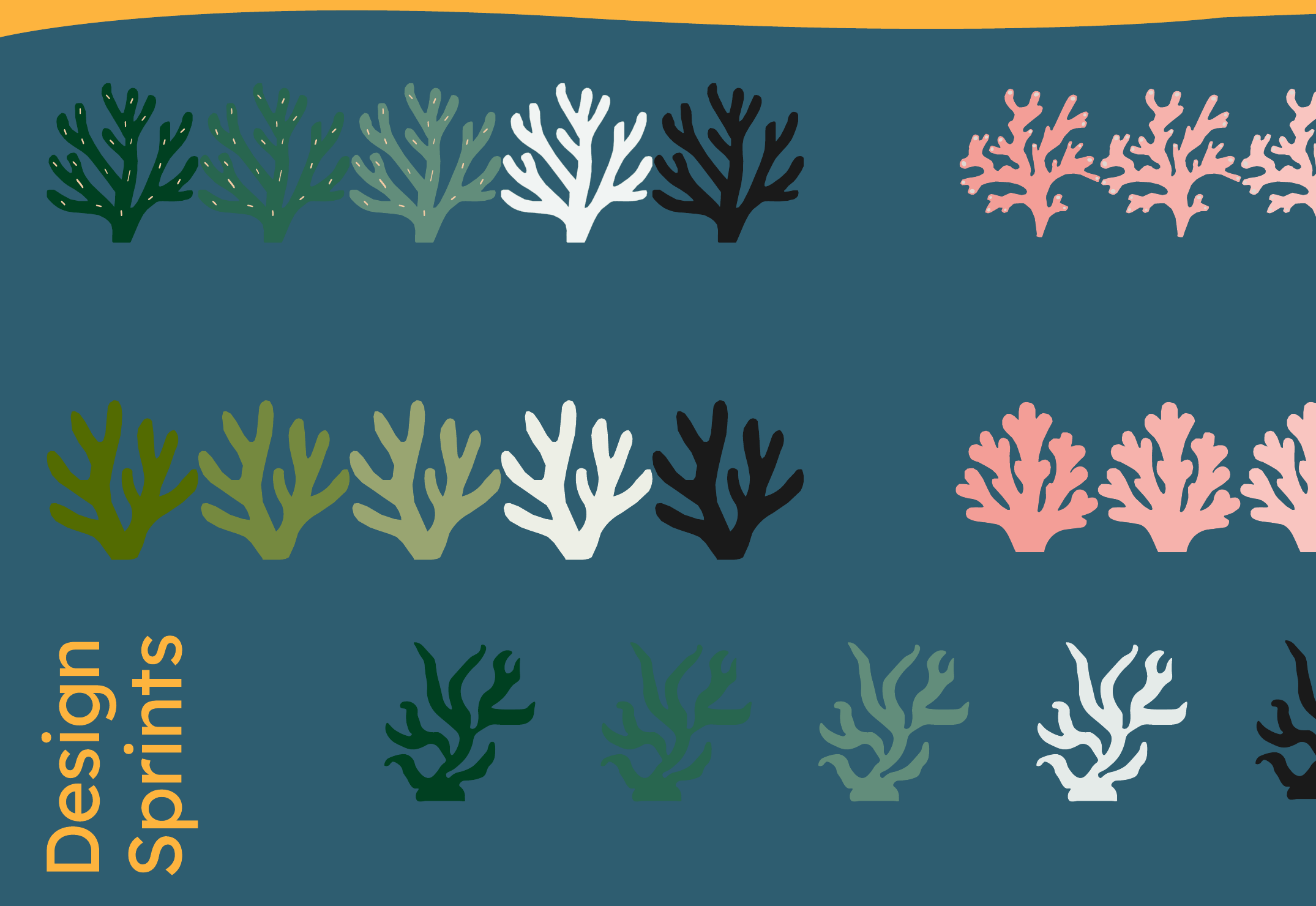
Brainstorming and sketching, Crazy 8s, Design sprints for coral life stages, User flows
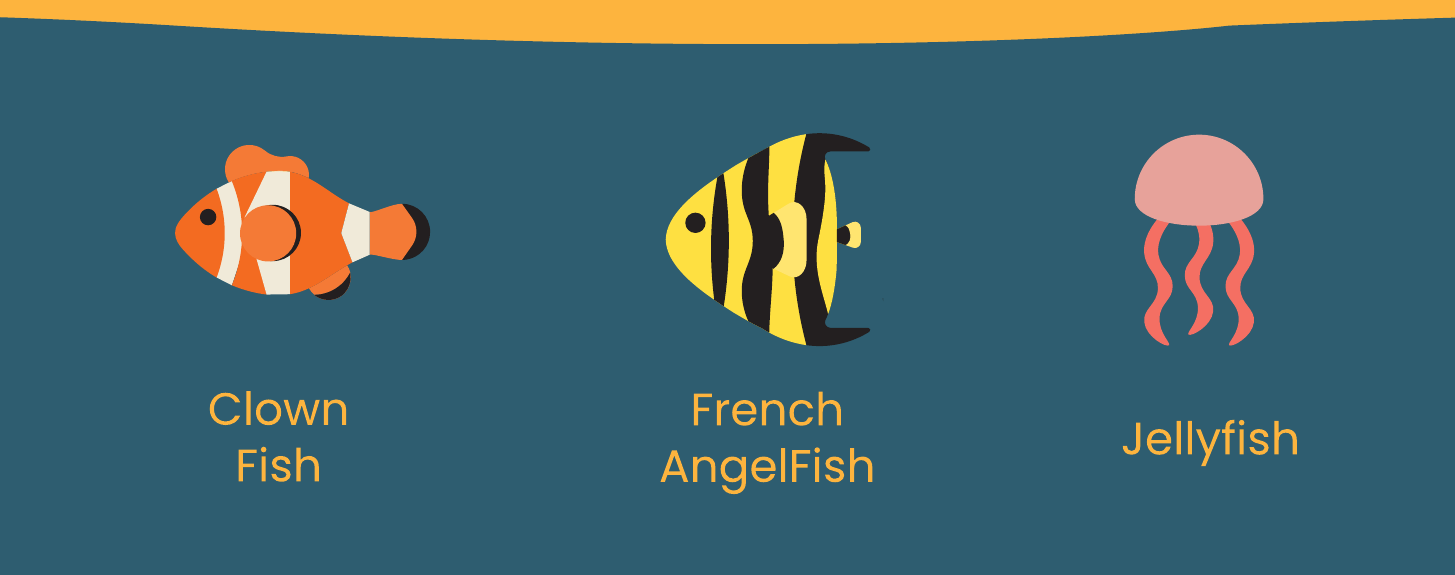
Illustration of fish, corals, and seaweed, UI elements, Wireframes, Prototyping
Design handoff to the computer science team, Ongoing communication with stakeholders
Reflection
Good design here meant getting the science right first.
This project taught me that information alone may not engage younger audiences, but interactive learning can make it meaningful and even inspire action to protect the oceans. Working with stakeholders and computer science students showed me how important it is to understand the project’s information and scope before designing, and to keep communication constant when others are building from your work. It was also my first time designing for someone else’s project, where the stakeholders had the final say on changes and language. If I continued this project, I would add more ocean information and resources, new features like different reefs and levels, support for more devices, and expanded accessibility features.